

Working in IT means communicating with colleagues, clients, and stakeholders from around the world. Whether you're explaining a system architecture, troubleshooting network issues, or presenting a project update, having the right English vocabulary makes all the difference.
In my experience helping IT professionals, I've seen how the right technical vocabulary can transform someone from hesitant participant to confident contributor in meetings and discussions.
Let's explore the essential English vocabulary every IT professional needs to communicate effectively and build confidence in their daily work.
Core Hardware and Infrastructure Terms
Understanding hardware terminology is fundamental for any IT professional. When discussing system requirements or troubleshooting issues, you'll frequently use these terms.
CPU (Central Processing Unit) is the brain of any computer system. You might say: "The CPU utilization is running high during peak hours."
RAM (Random Access Memory) refers to temporary storage that your system uses while running. In meetings, you could mention: "We need to upgrade the RAM to improve performance."
Hard drive or storage relates to permanent data storage. A typical comment might be: "The hard drive is nearly full, so we should consider expanding our storage capacity."
Server describes a computer system that provides services to other computers on a network. You'll often hear: "The server crashed last night, causing system downtime."
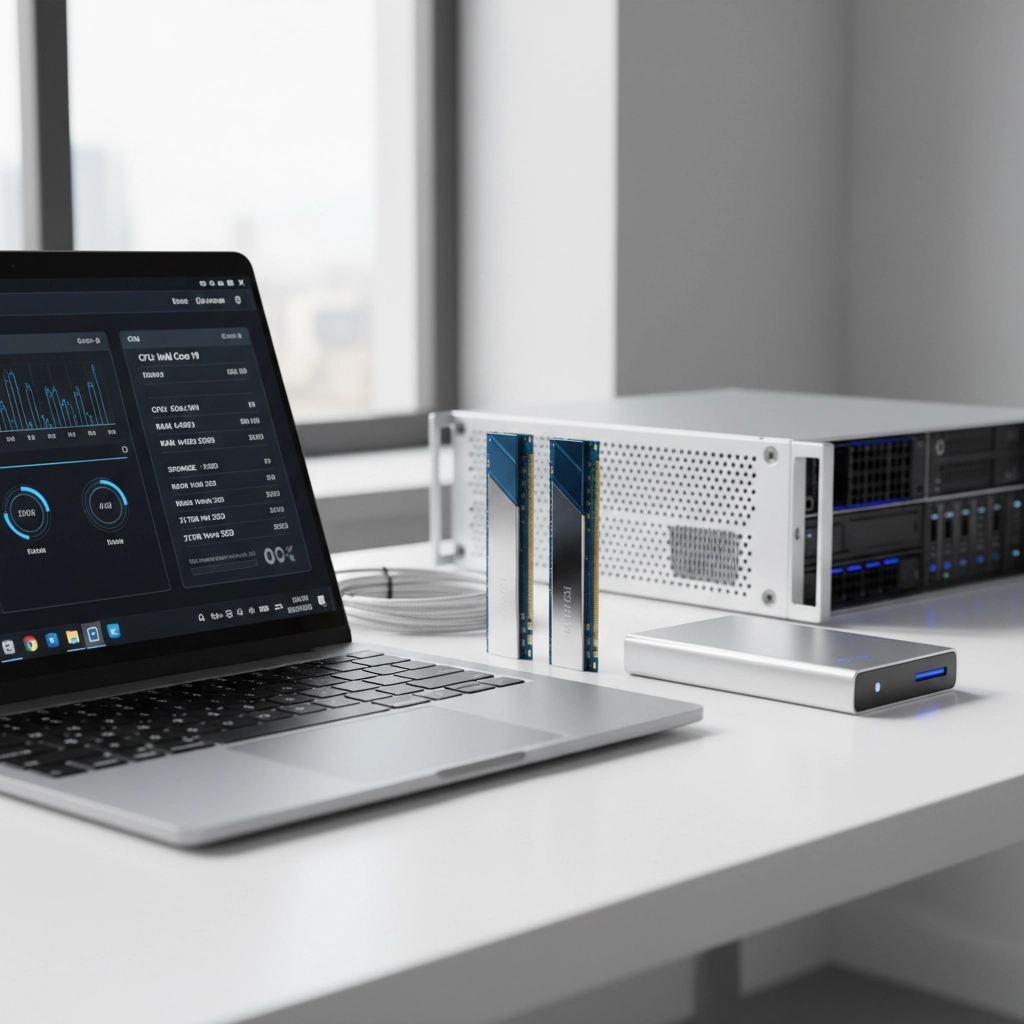
Peripherals are external devices like keyboards, mice, and printers. When setting up workstations, you might say: "All peripherals are connected and functioning properly."
Software and Programming Vocabulary
Software discussions require precise vocabulary to avoid confusion and demonstrate expertise.
Operating System (OS) manages your computer's basic functions. Common examples include Windows, macOS, and Linux. You might explain: "The new OS update includes security patches."
Application or app refers to software designed for specific tasks. In project discussions: "The application crashed during testing, so we need to debug the code."
Algorithm describes a set of rules or steps to solve problems. During development meetings: "We've optimized the algorithm to reduce processing time."
Source code is the human-readable instructions that create programs. You could say: "The source code needs review before we deploy to production."
Driver is software that helps your operating system communicate with hardware. When troubleshooting: "The printer driver needs updating to resolve compatibility issues."
Networking and Internet Essentials
Network discussions happen daily in IT environments. These terms will help you participate confidently.
IP address is the unique identifier for devices on a network. You might explain: "Each device has a unique IP address for network communication."
Wi-Fi and Ethernet describe wireless and wired network connections respectively. In setup discussions: "We can connect via Wi-Fi, but Ethernet provides more stable connectivity."
Firewall protects networks from unauthorized access. During security meetings: "The firewall blocked the suspicious traffic successfully."
URL (Uniform Resource Locator) is a web address. When sharing resources: "I've sent the URL for the documentation in the email."
Bandwidth refers to network capacity. You might say: "High bandwidth usage is slowing down our connection."
Security and Data Management Terms
Security vocabulary is crucial for protecting systems and communicating risks effectively.
Encryption protects data by converting it into coded format. In security discussions: "All sensitive data must be encrypted before transmission."
Database is organized collection of information. During project planning: "The database design needs to accommodate future growth."
Backup refers to data copies for protection. You could mention: "We perform automated backups every night."
Password secures access to systems. In security training: "Strong passwords should include numbers, symbols, and letters."
Cache temporarily stores frequently used data for faster access. When explaining performance: "Clearing the cache resolved the loading issues."

Essential Email Phrases for IT Professionals
Professional email communication requires specific phrases and structures.
Opening phrases:
- "I hope this email finds you well."
- "Thank you for reaching out regarding…"
- "Following up on our discussion about…"
Reporting issues:
- "I'm writing to report a system issue…"
- "We've identified a problem with…"
- "The following error occurred…"
Requesting assistance:
- "Could you please help me with…"
- "I would appreciate your guidance on…"
- "Would it be possible to…"
Providing updates:
- "I wanted to update you on the progress…"
- "The current status is…"
- "We've completed the following tasks…"
Meeting Language for Technical Discussions
Participating in meetings requires confidence and appropriate vocabulary.
Starting discussions:
- "Let me walk you through the system architecture…"
- "I'd like to present our findings…"
- "The main issue we're facing is…"
Asking for clarification:
- "Could you elaborate on that point?"
- "I'm not sure I understand the requirements…"
- "Would you mind explaining that again?"
Offering solutions:
- "I suggest we implement…"
- "One possible approach would be…"
- "We could resolve this by…"
Agreeing and disagreeing professionally:
- "That's an excellent point…"
- "I see your perspective, however…"
- "I'd like to propose an alternative…"
Emerging Technology Vocabulary
Staying current with modern technology terms demonstrates your expertise and adaptability.
Artificial Intelligence (AI) and Machine Learning describe systems that learn and improve automatically. You might say: "AI can help automate routine maintenance tasks."
Cloud Computing refers to internet-based computing services. In planning discussions: "Moving to cloud infrastructure will improve scalability."
Internet of Things (IoT) describes connected everyday devices. When discussing smart systems: "IoT devices require secure network protocols."
Blockchain is a distributed ledger technology. You could explain: "Blockchain provides secure, transparent transaction records."

Building Confidence in Technical Communication
Confidence comes from preparation and practice. Here are strategies I've seen work effectively:
Prepare key phrases before meetings. Write down technical terms you'll likely use and practice explaining complex concepts simply.
Use analogies when explaining technical concepts to non-technical colleagues. For example: "The firewall works like a security guard, checking everyone who wants to enter."
Ask questions when you don't understand something. Phrases like "Could you clarify…" or "I want to make sure I understand…" show engagement, not weakness.
Practice active listening by summarizing what others say: "So you're saying the server performance issues started after the update?"
Stay calm under pressure. If you don't know something, it's perfectly acceptable to say: "Let me research that and get back to you with accurate information."
Professional Development Tips
Continuous learning strengthens both your technical skills and communication confidence.
Read technical documentation regularly. This exposes you to proper technical writing and vocabulary usage.
Join online communities where IT professionals discuss challenges and solutions. Observing these conversations improves your understanding of professional communication.
Practice explaining concepts to friends or family members who aren't in IT. This develops your ability to communicate clearly with diverse audiences.
Attend webinars and conferences to hear how experienced professionals present technical information.
Keep a vocabulary journal of new terms you encounter, along with their definitions and example sentences.
Moving Forward with Confidence
Remember that building technical vocabulary is an ongoing process. Every IT professional, regardless of experience level, continues learning new terms and concepts.
Start by focusing on the vocabulary most relevant to your current role, then gradually expand to related areas. Don't feel pressured to learn everything at once.
The key is consistent practice and application. Use new vocabulary in emails, meetings, and casual conversations with colleagues. The more you use these terms naturally, the more confident you'll become.
Your technical expertise combined with clear English communication makes you a valuable team member and opens doors to career advancement opportunities.
Have a wonderful day, and remember that every conversation is an opportunity to practice and improve your technical English communication skills!